
.env comparison
Compare .env files before configuration drifts.
EnvDesk compares environment files by key so you can find variables that are missing, present in only one file, or configured differently. Values remain masked by default, and the comparison happens in your local desktop workspace before you decide whether any file should change or any sensitive value needs to be revealed.
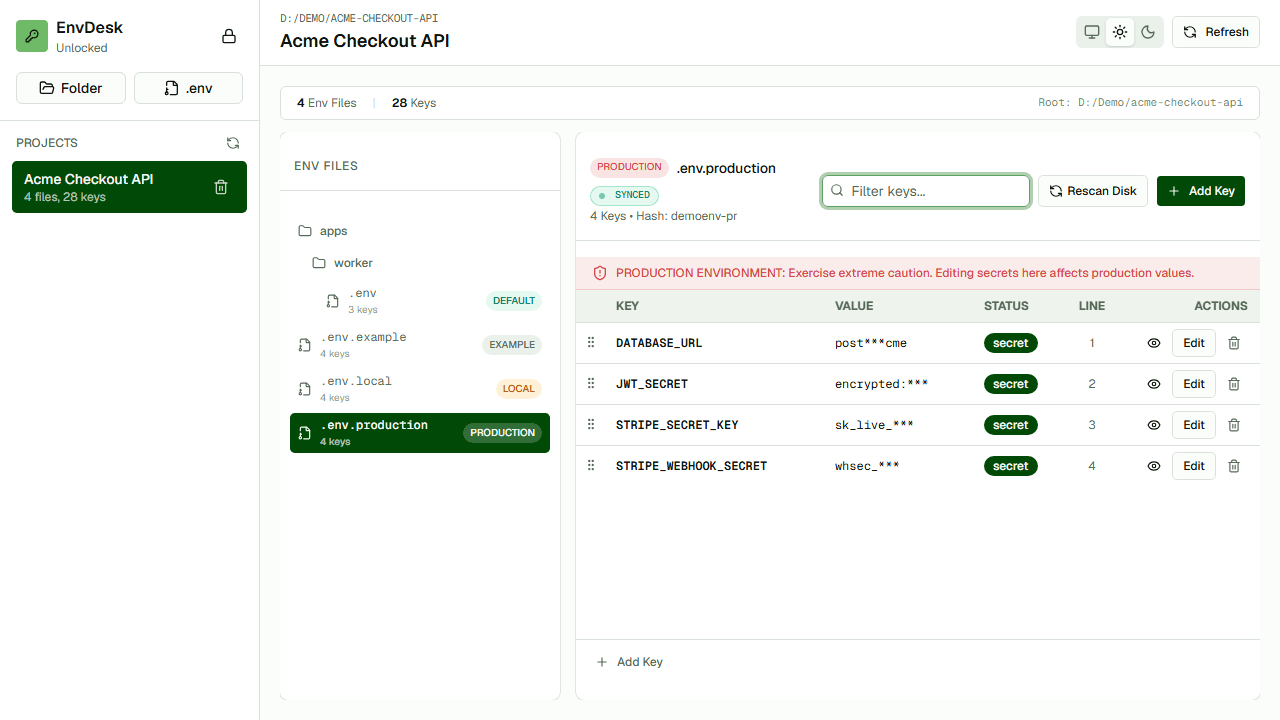
Find missing keys
See which environment lacks a variable before an application fails at runtime.
Spot different values
Identify differences without revealing every value on screen.
Act with context
Move from comparison to an explicitly reviewed local edit.
How the workflow works
- 01Add the project or individual files to EnvDesk.
- 02Select the two environments you want to compare.
- 03Review missing, extra, and different keys.
- 04Open the relevant file and review any correction before writing.
When it is useful
- Development versus production parity checks
- Pre-deployment configuration review
- Auditing a newly cloned project against .env.example
Questions developers ask
Can I compare files without installing EnvDesk?
Yes. The free browser tool compares two pasted or selected files locally in your browser.
Are values shown in the comparison?
EnvDesk masks sensitive values by default so the comparison can focus on keys and differences.